
Want to try it first? Open the live demo and start analyzing without deploying anything.
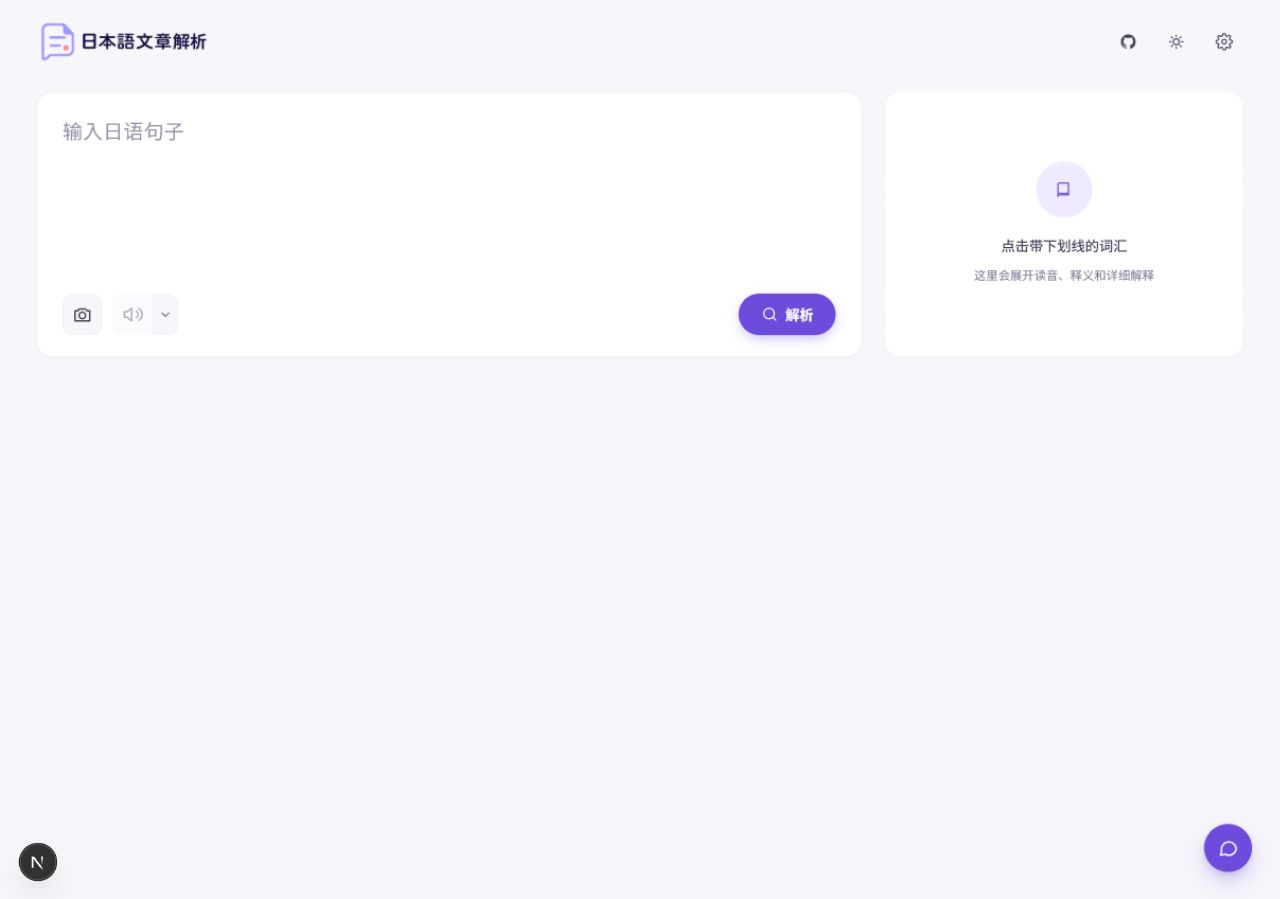
Features at a glance
Read sentences
Sentence analysis
Label each word with furigana, romaji, and part of speech, and get a full translation automatically.
Word details
Click a word to see its meaning in the sentence, dictionary form, conjugation, and an example.
Multi-word selection
Get grammar patterns and set expressions explained as a whole. Merge a wrongly split word in one click.
Work more smoothly
Sentence of the day and recent texts
The home page shows a new sentence each day, updated on Japan time. Your recent analyses are saved locally in your browser.
Image recognition
Upload or paste a screenshot to extract the Japanese text in it.
Read text aloud
Listen with Edge TTS or Gemini TTS, with adjustable speed and voice.
AI Japanese Assistant
Ask follow-up questions about grammar, vocabulary, and learning, in the context of the current sentence.
Interface
- Supports 简体中文, 繁體中文, English, and 한국어. The interface, translations, and definitions switch together.
- Offers three themes: light, dark, and system. Works on desktop and mobile.
- Splits long texts into chunks automatically. When you paste from a web page or Markdown, formatting and links are removed automatically.
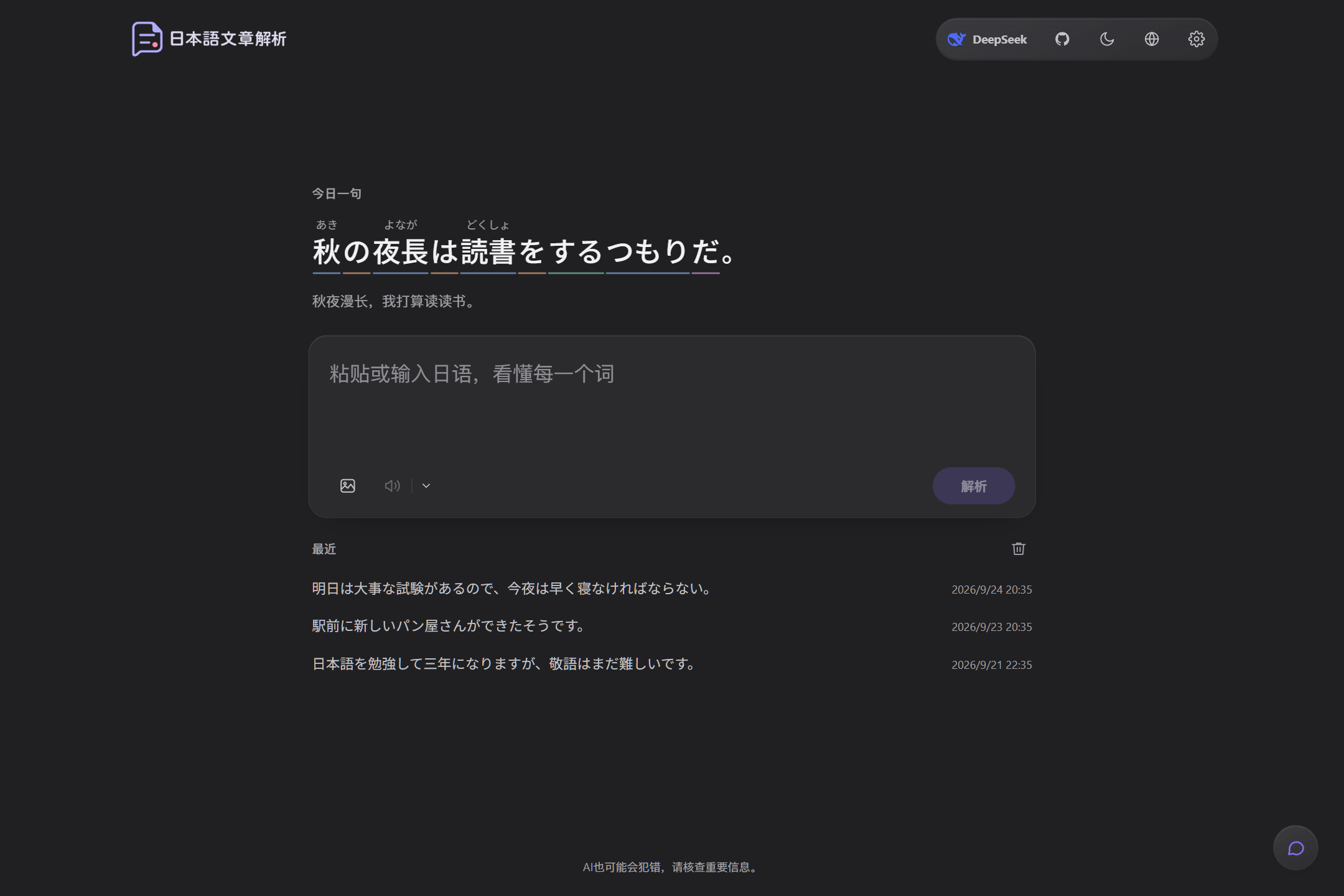
Dark mode
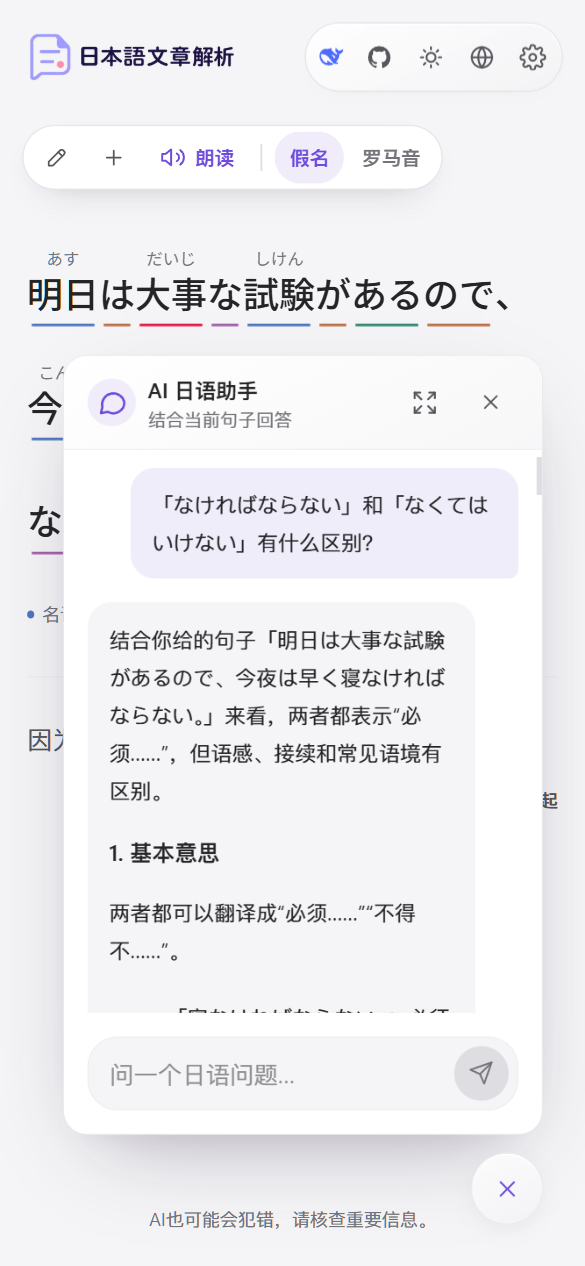
AI Japanese Assistant on a phone
Models
The API key configured on the server is shared by all visitors. Users can also enter their own key in Settings. That key stays in their own browser, and the app server forwards it to the model provider with each request. For details, see Keys and privacy.
Tech stack
- Next.js 15 (App Router) and React 19
- Tailwind CSS
- DeepSeek and Gemini through OpenAI-compatible APIs
- License: AGPL-3.0-only
Next steps
Quickstart
Install dependencies locally and run the app in minutes.
Deployment
Deploy to Vercel, or run it on your own server with Docker.
Deploy with an AI agent
Hand deployment to an AI coding assistant such as Claude Code or Codex with a single sentence.
Configuration
Learn about every environment variable, the models, and the access password.